Missions Page
Description
This widget displays all information about bundles, missions, and objectives in an independent widget.
Configuration
- class
<string|required>: gamification_widget - data-type
<string|required>: missions
Important notes
- The Image in the header can be customized through the Backoffice (See Customization section for details)
- The "Desktop" version appears in window widths above 992px.
- The container max width is 1200px
- Only one mission bundle per timeframe will appear in the active mission bundles list
Upcoming Redesign
The missions page is currently being redesigned to match the tournaments page. What you see below is the new layout which will be released to production soon.
Example:
Show me the code!
<div class="gamification_widget" data-type="missions"></div>
UI views:
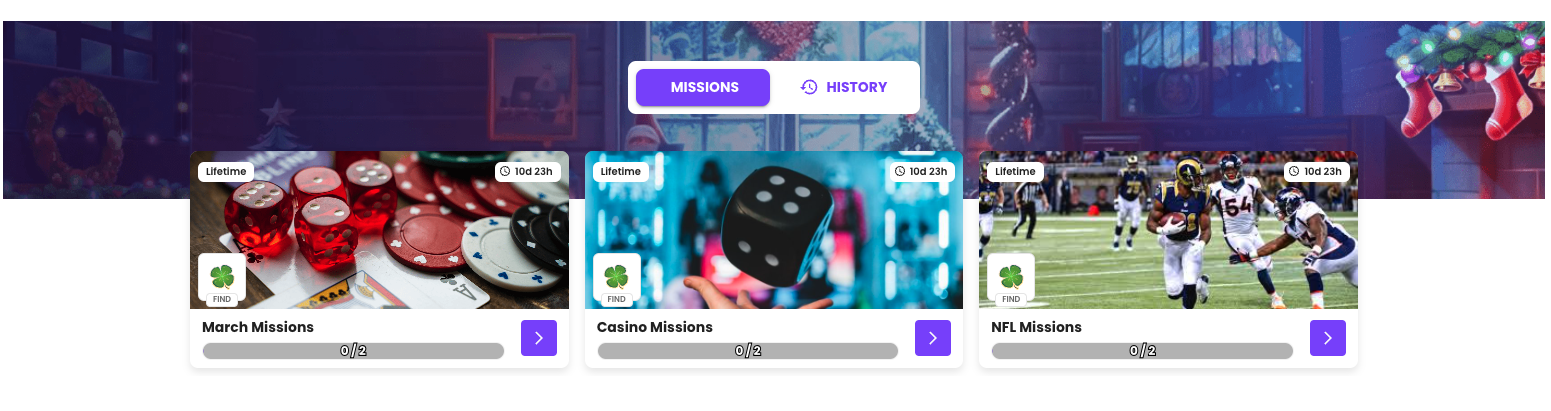
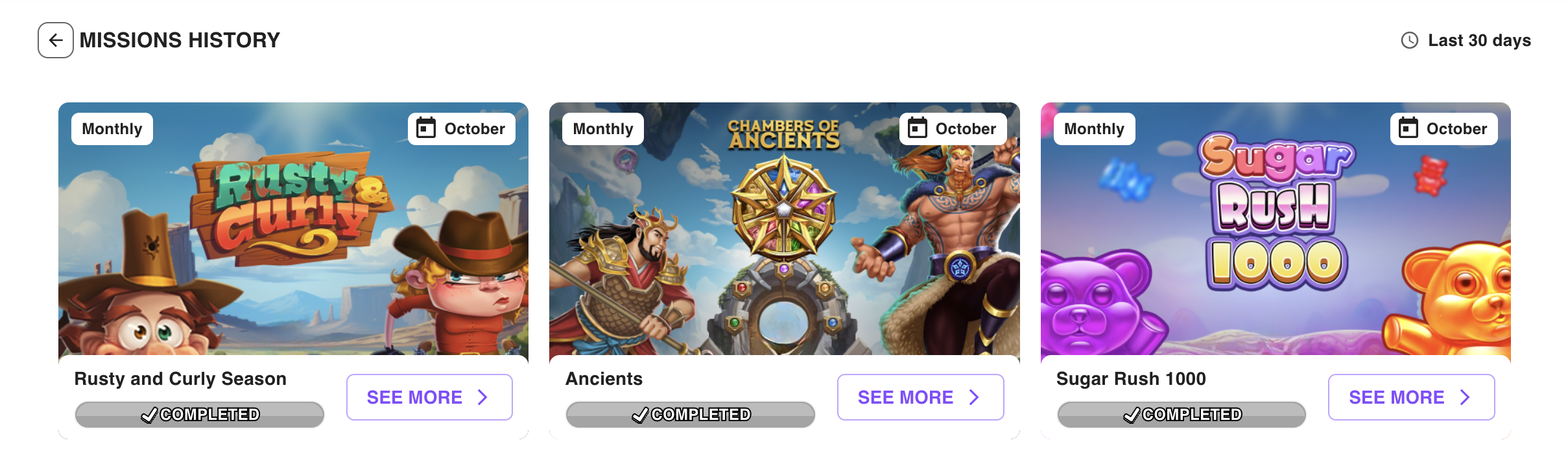
- Mission Bundles List
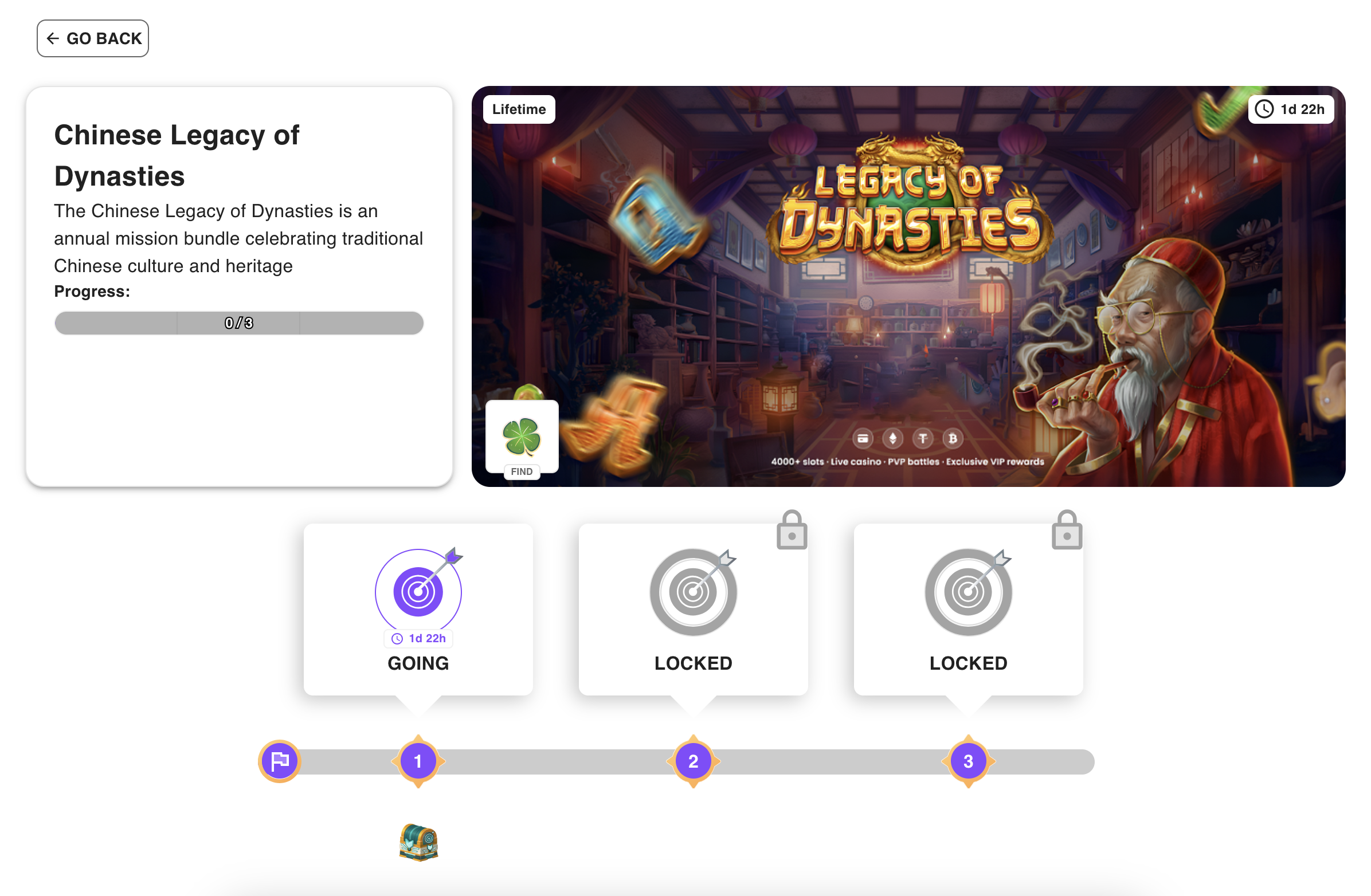
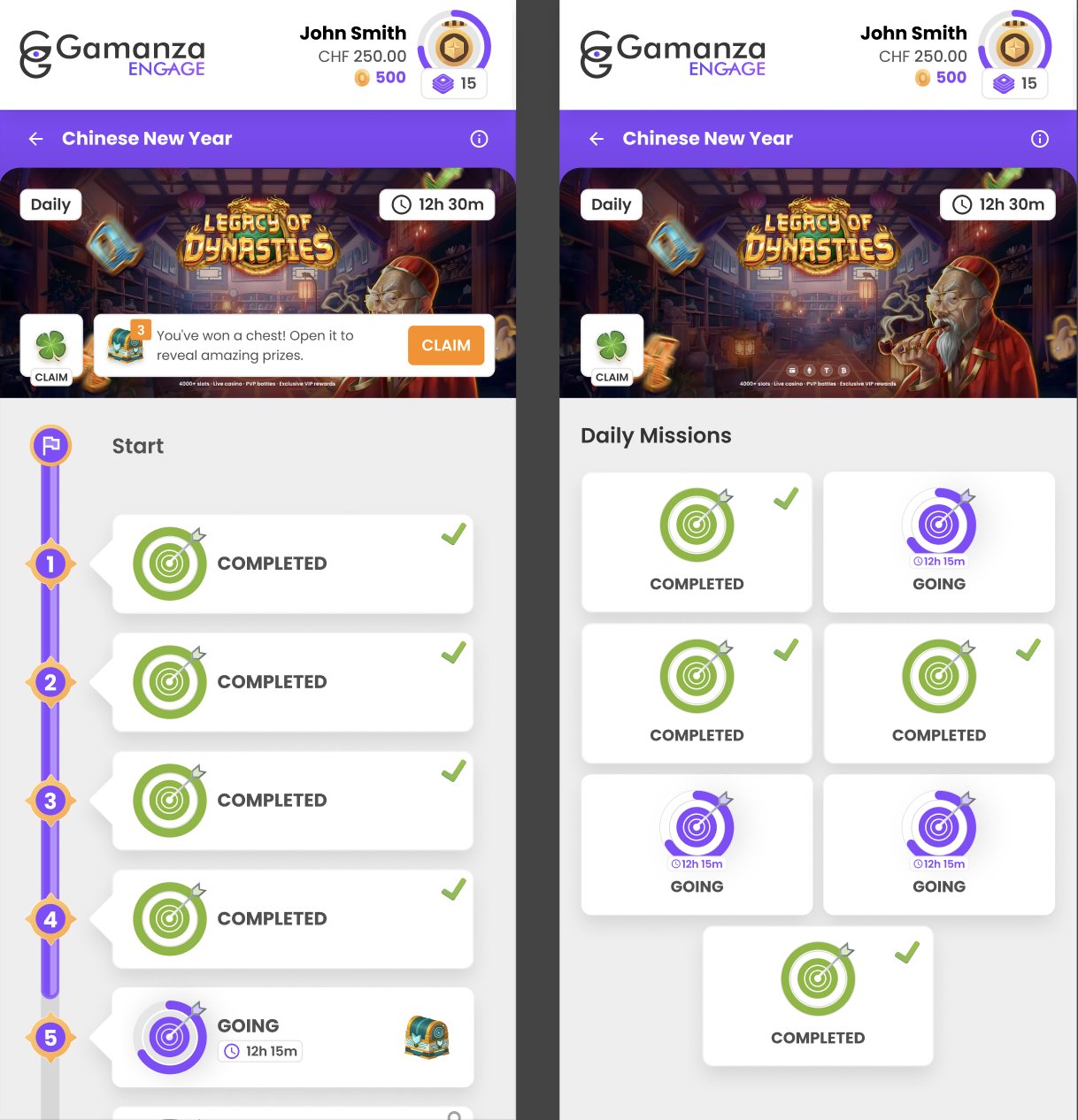
- Mission Bundle Details
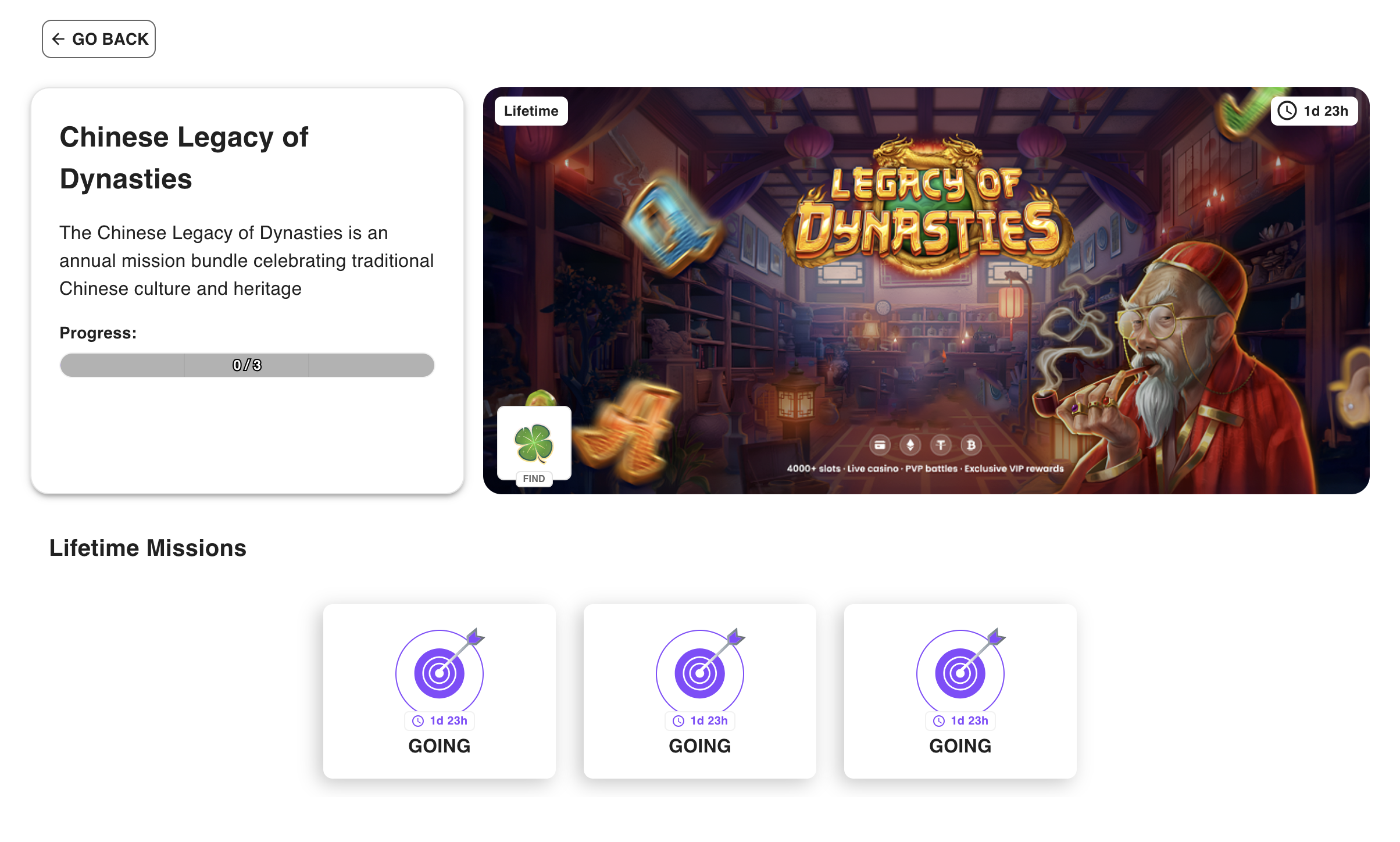
- Mission Details
When you click on any individual mission (if it is not locked), a dialog will appear with the objectives.
- Mission Bundles List (Mobile)
- Missions List (Ordered / Any Order) (Mobile)
Customization
The following features can be customized for the Missions page. To modify these values head to the Backoffice (Settings -> Widgets):
Missions specific
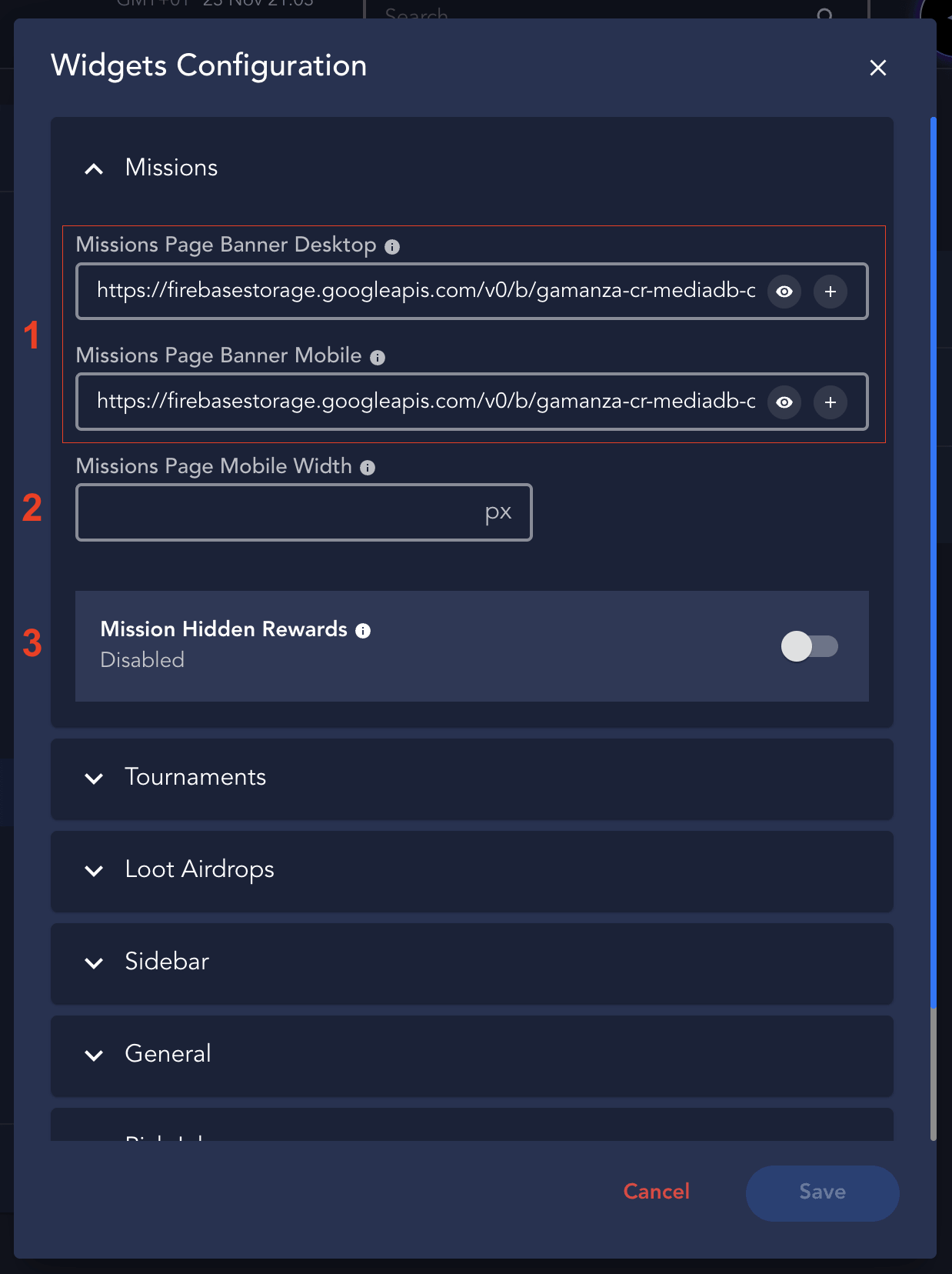
- Banner image
- Desktop and mobile images for the header
- The mobile image is also used in the sidebar
- If no banner is added, a solid theme color background will be used
- Mobile width
- Sets the breakpoint where the mobile layout is used
- If left empty, the mobile layout is used below 992px
- Hidden rewards
- Controls whether mission reward contents are visible before they are unlocked. The default is disabled
- Disabled: players can expand the reward and see what is inside
- Enabled: the contents stay hidden until the player unlocks the reward
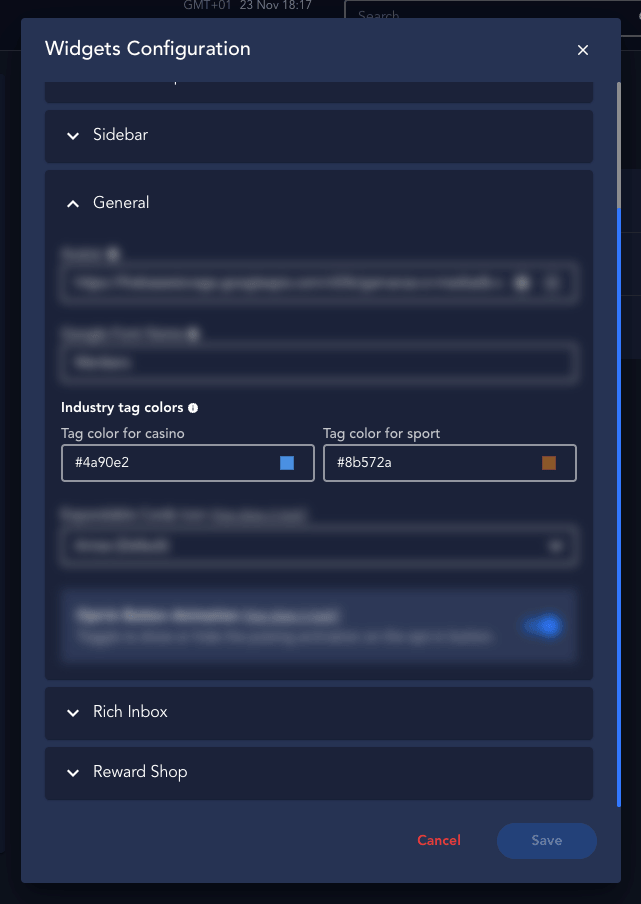
General
Gamification can include sports or casino mechanics. Tag colors help visually distinguish between the two.