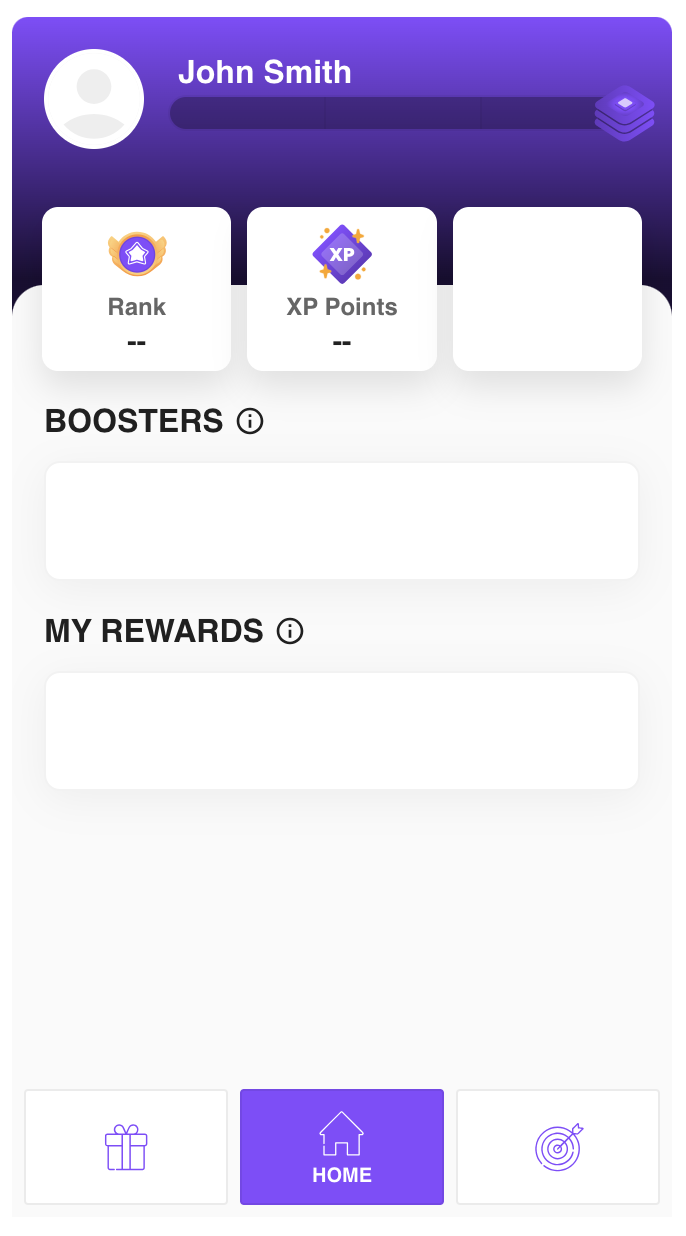
Opt Out / Opt In
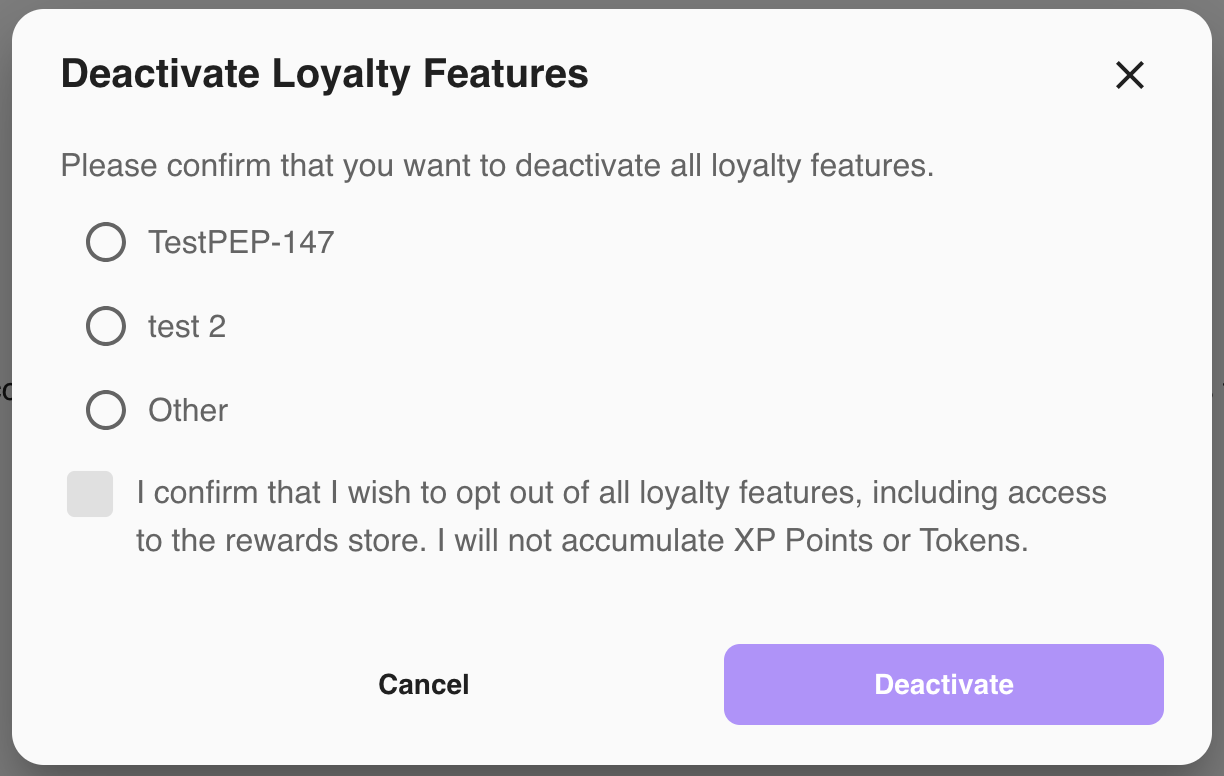
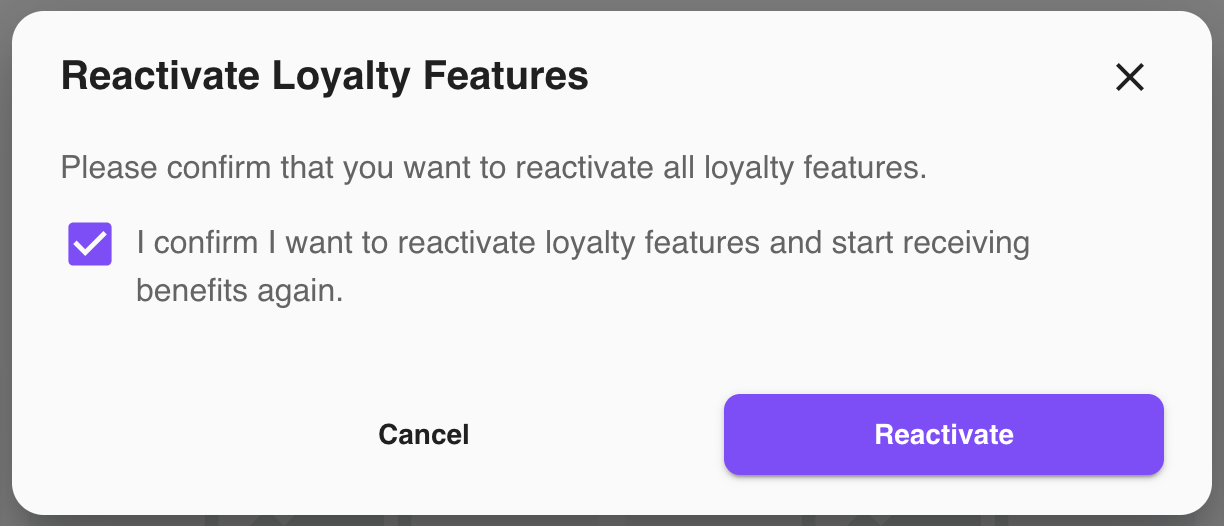
This widget is used to change the gamification opt status (Opt Out / Opt In). Here, the player will be able to deactivate and reactivate the gamification status.
- class
<string|required>: gamification_widget - data-type
<string|required>: gamification-mechanics - data-disabled
<string|optional>: true in order to hide the action to opt out or opt in, or false to show the possible action. Default value: false - data-show-warning
<string|optional>: true in order to show the warning message in the modal or false to not show it. Only available for Opt Out action. Default value: false
Note: All texts can be updated from translations.
Note: The current gamification status is extracted from the player's data
Example 1 - Opt Out / Opt In:
Without optional props
Show me the code!
<div class="gamification_widget" data-type="gamification-mechanics"></div>
UI:
Opt Out

Opt In

Example 2 - Disabled Gamification Opt Out / Opt In actions:
With disabled prop as true
Show me the code!
<div
  class="gamification_widget"
  data-type="gamification-mechanics"
  data-disabled="true"
></div>
UI:

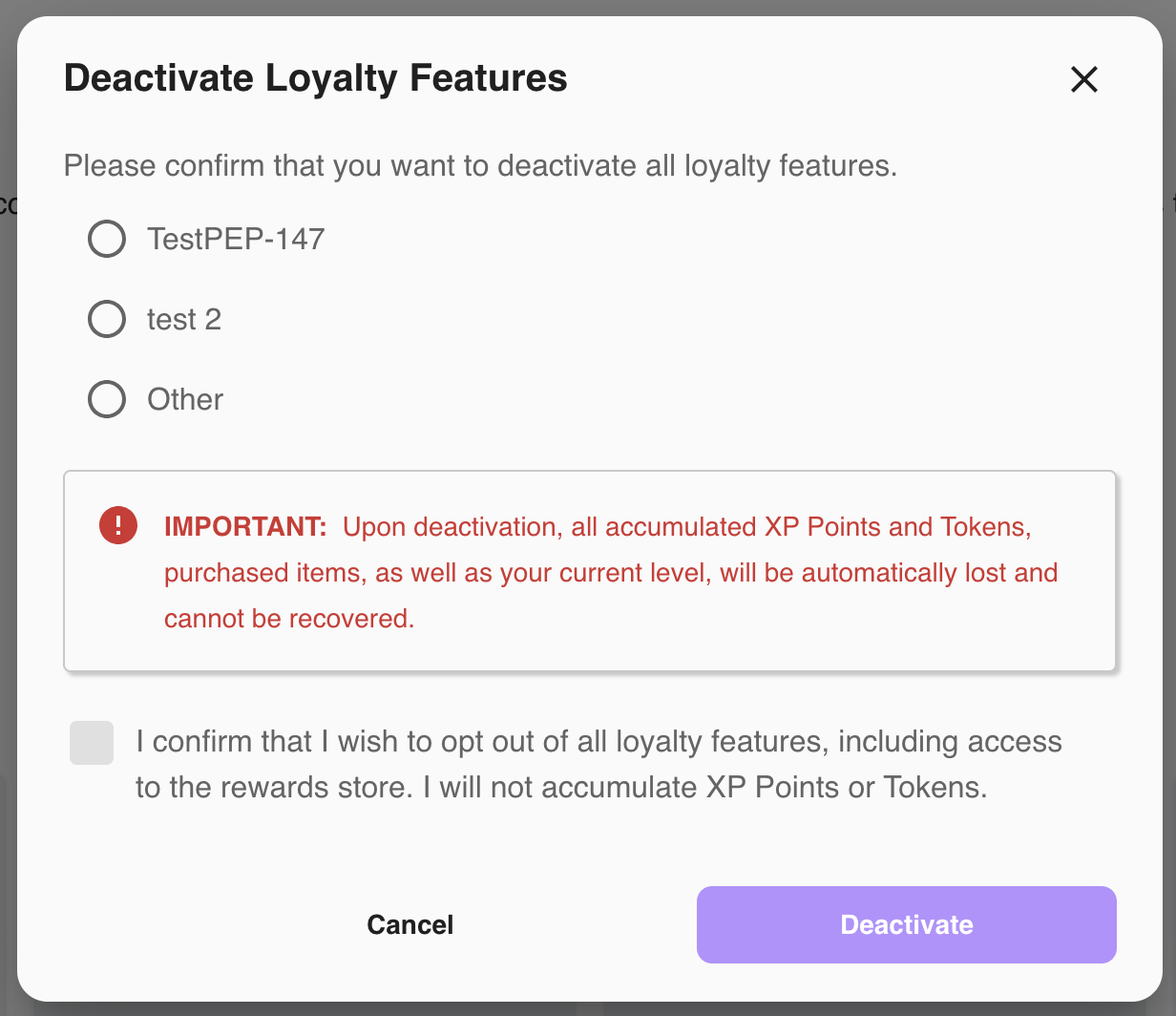
Example 3 - Opt Out Warning Message:
With show-warning prop as true
Show me the code!
<div
  class="gamification_widget"
  data-type="gamification-mechanics"
  data-show-warning="true"
></div>
UI:
Other Notes:
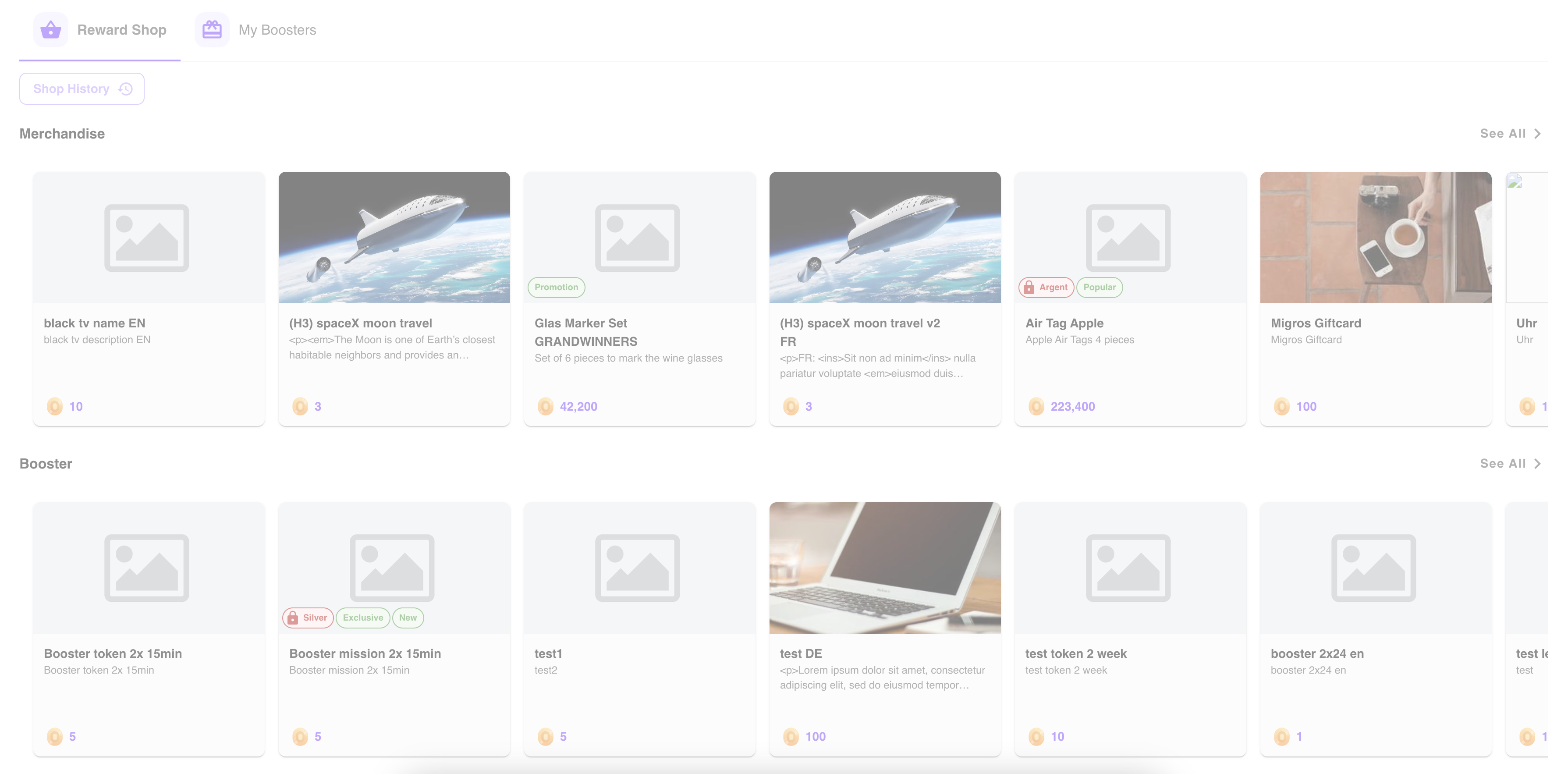
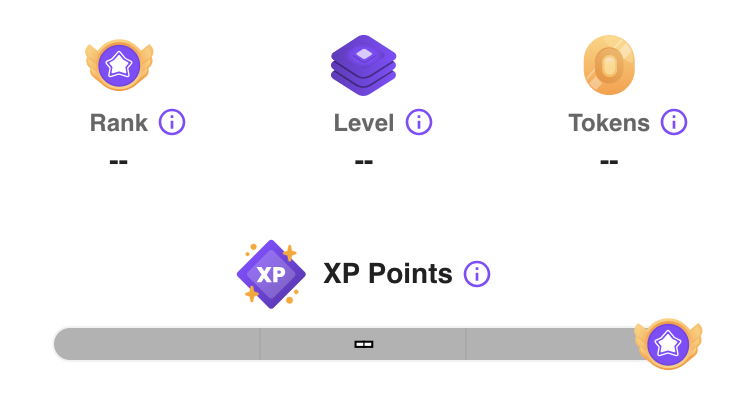
When you disable the gamification/loyalty features some other widgets will not load the data and will not have interactions available. Please check the following images to understand better what will be the behavior.
Reward Shop:
Avatar:

Tokens: Will be empty the widget box
Points:
Sidebar: